The TUZO HQ app
Your working day as an instructor, on your phone
From the first look at your diary to the last payment of the day, here is how the TUZO HQ app fits around your lessons.
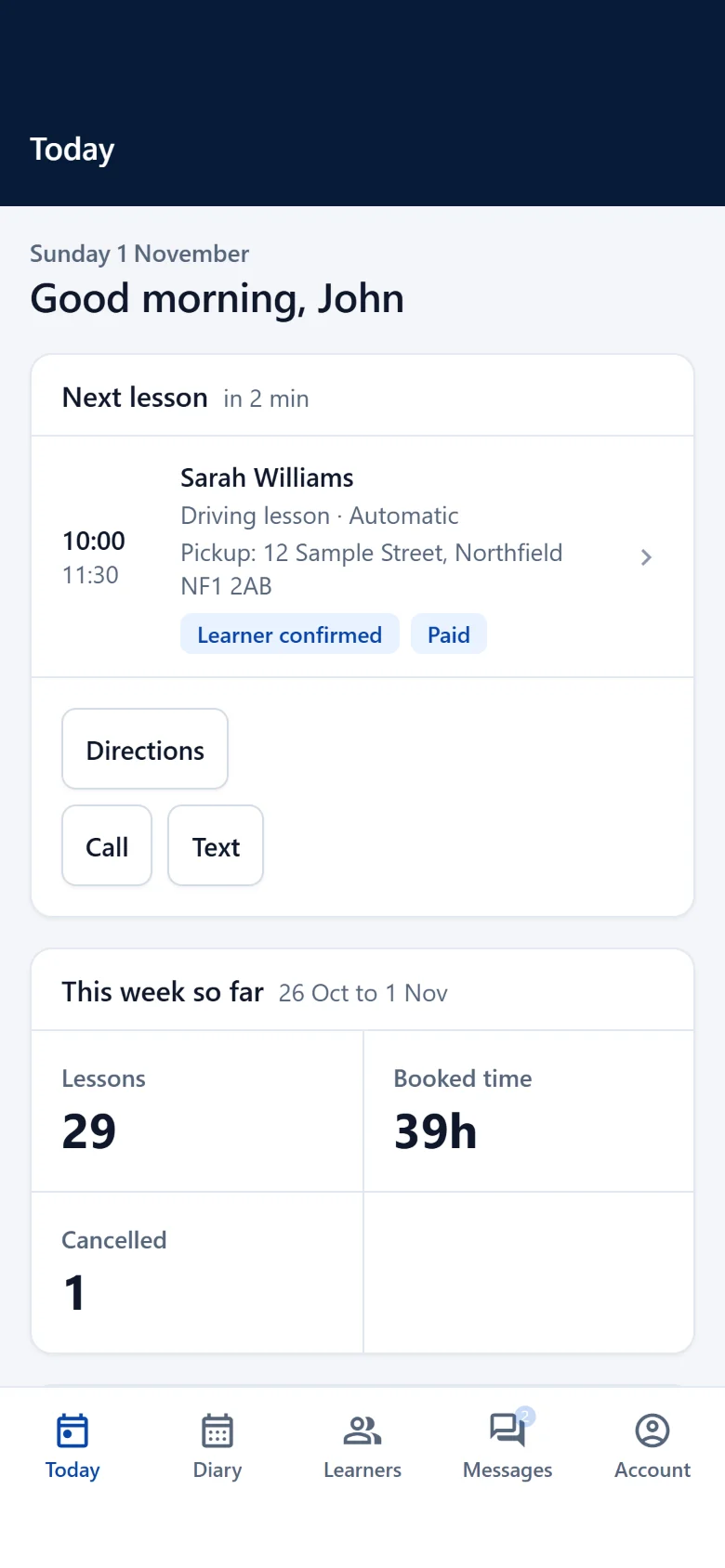
The TUZO HQ app for iPhone is in private testing and is not yet on the App Store. Today, TUZO HQ works in the browser on any phone, tablet or computer.
Morning
Start the day knowing what is ahead
Open Today for your lessons in order, then switch between the diary grid, a single day or the whole week to see where the gaps are.
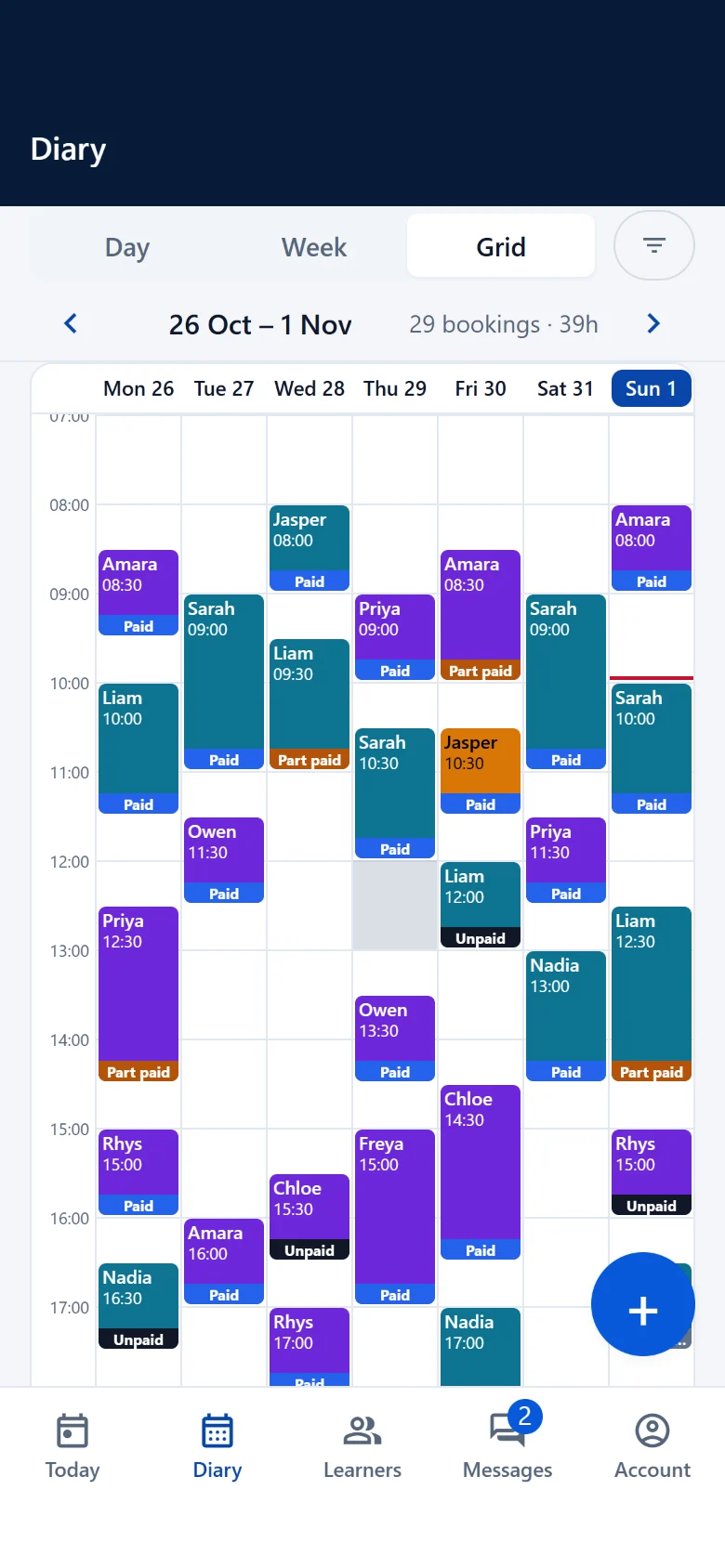
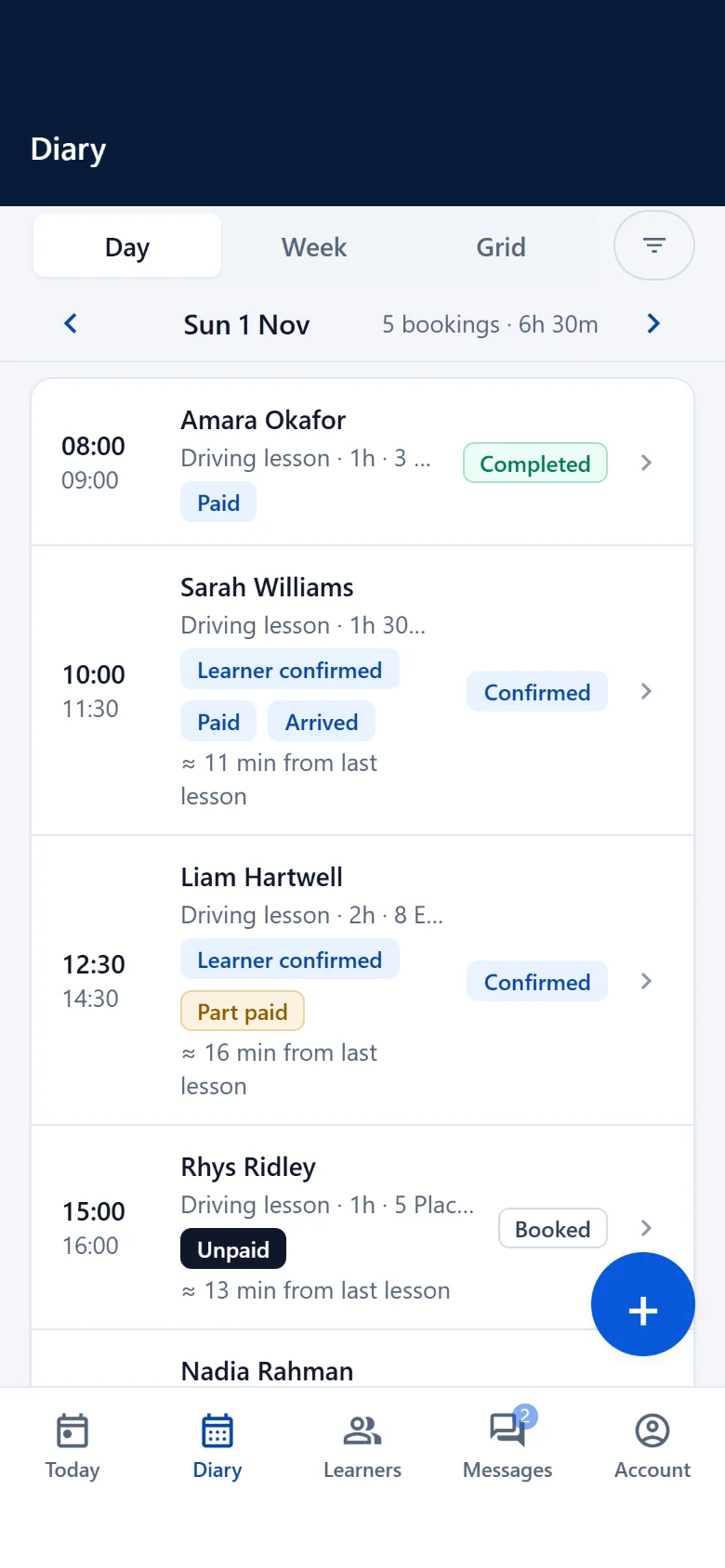
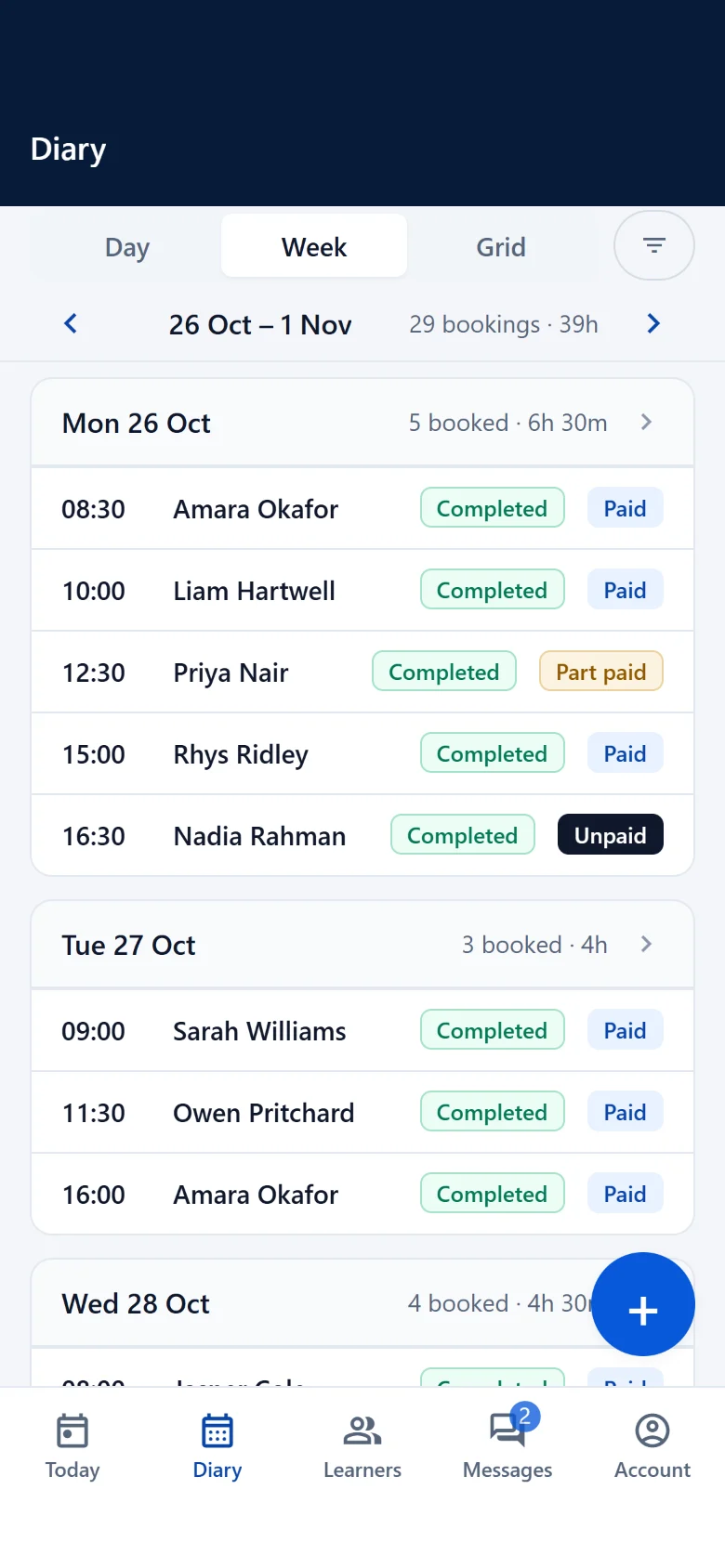
Before the lesson
Check the booking at a glance
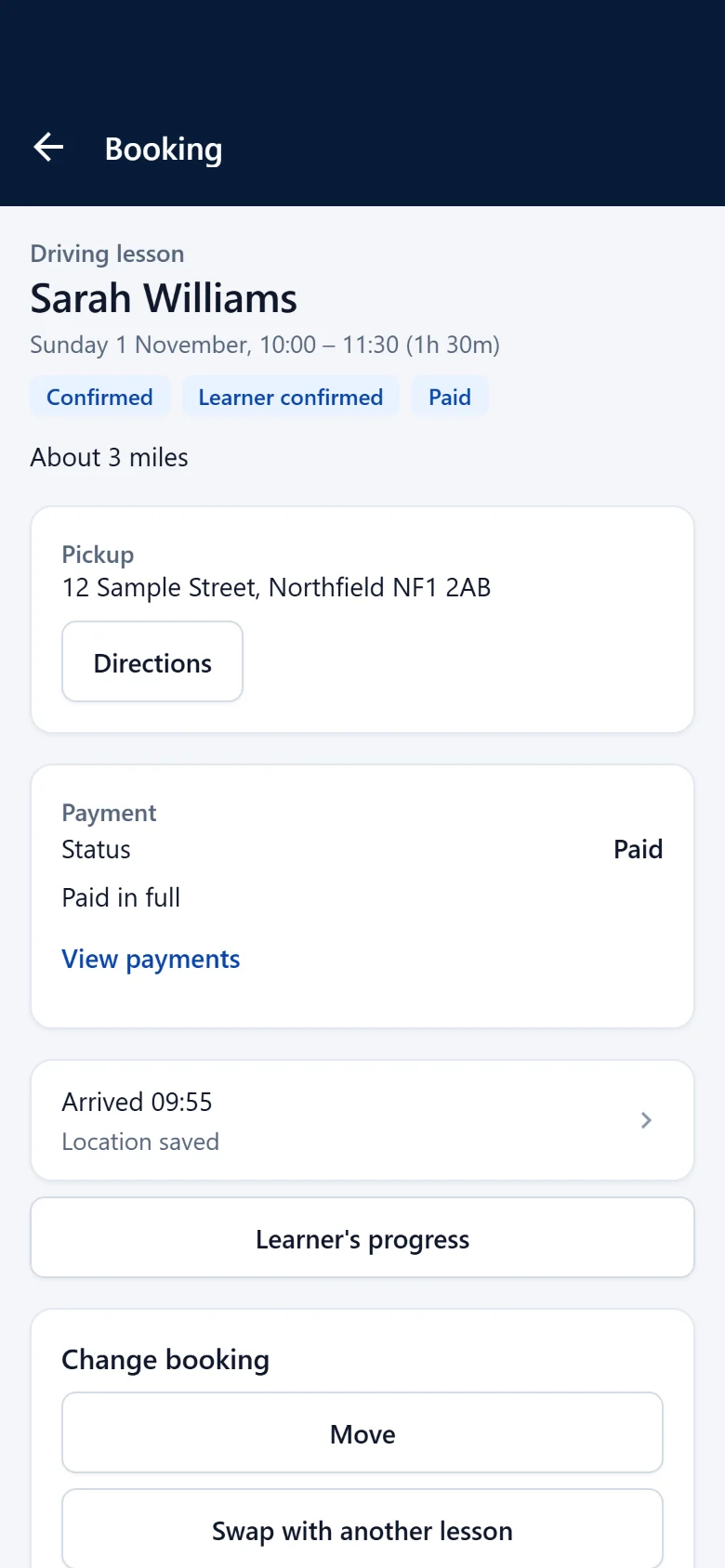
Open the booking to see who you are teaching, when, and anything you need to know before you set off.
At pickup
Every Arrival. Professionally Recorded.
Tap “I Have Arrived” when you reach your learner. TUZO HQ records the time, date and GPS location against the scheduled lesson. One tap. GPS recorded. Professionally documented.
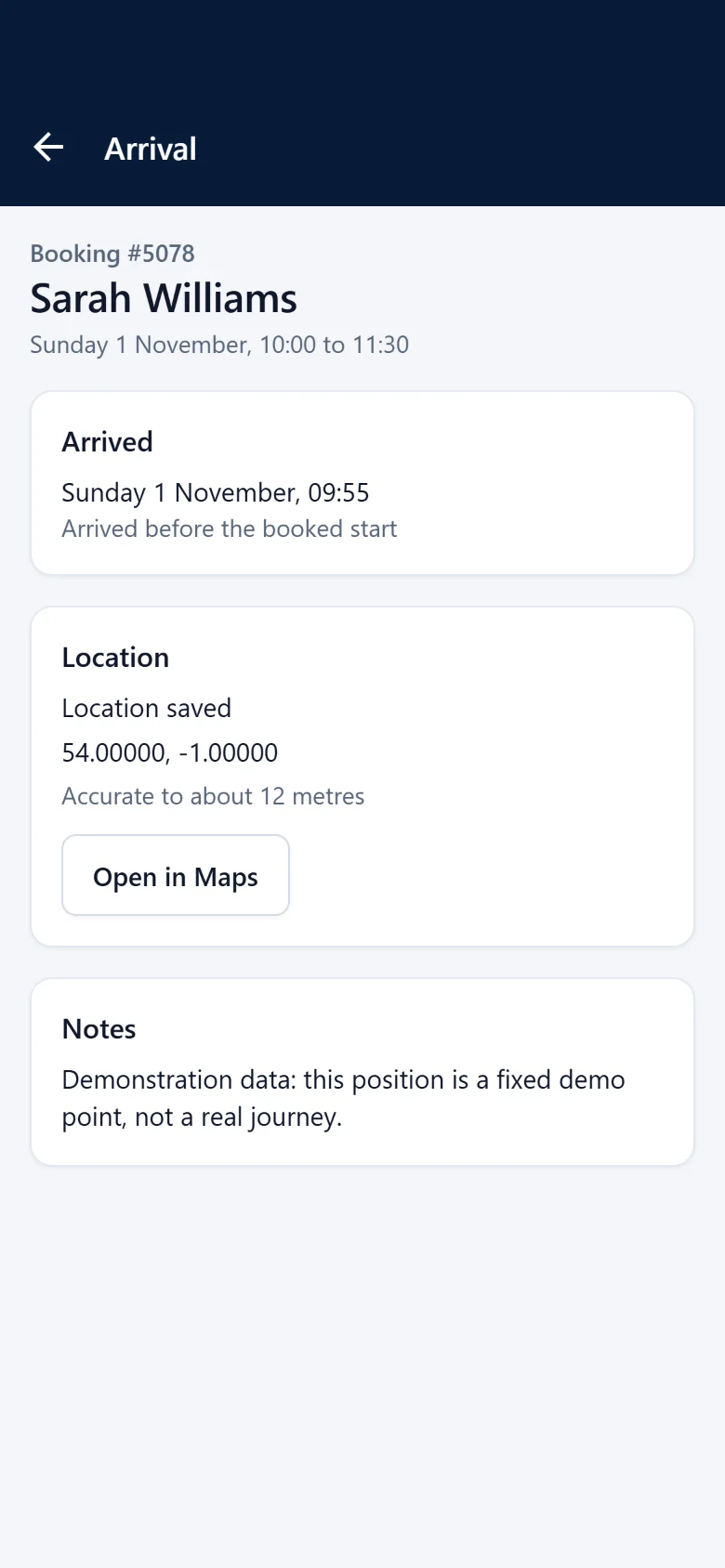
- Scheduled lesson
- 10:00 to 11:30
- Recorded arrival
- 09:55
- Arrived
- 5 minutes before the lesson
Example with fictional demonstration data and a simulated location.
Your location is recorded with your phone’s permission, once, when you tap. It is never tracked during the day, and is seen only by authorised staff, never by learners or parents.
During and after the lesson
Record how it went
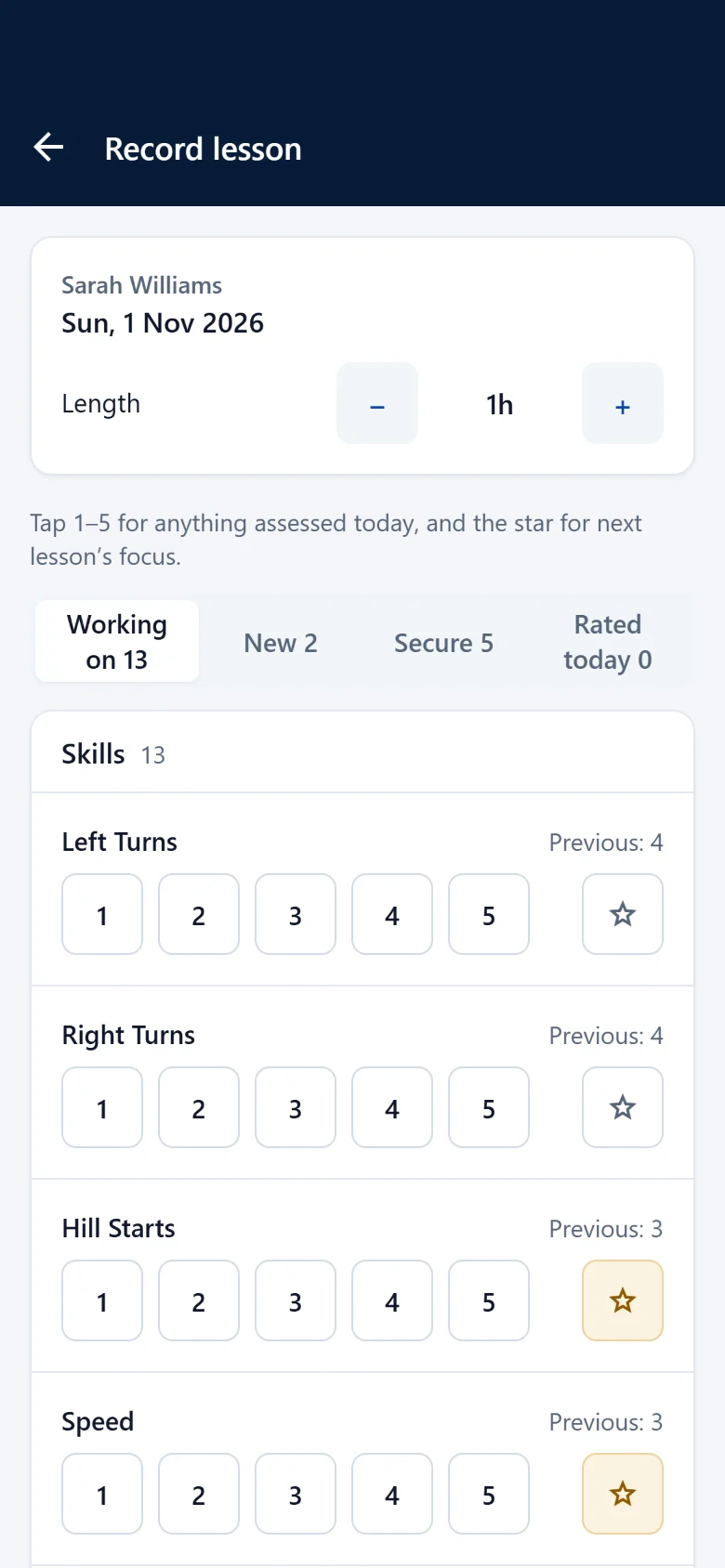
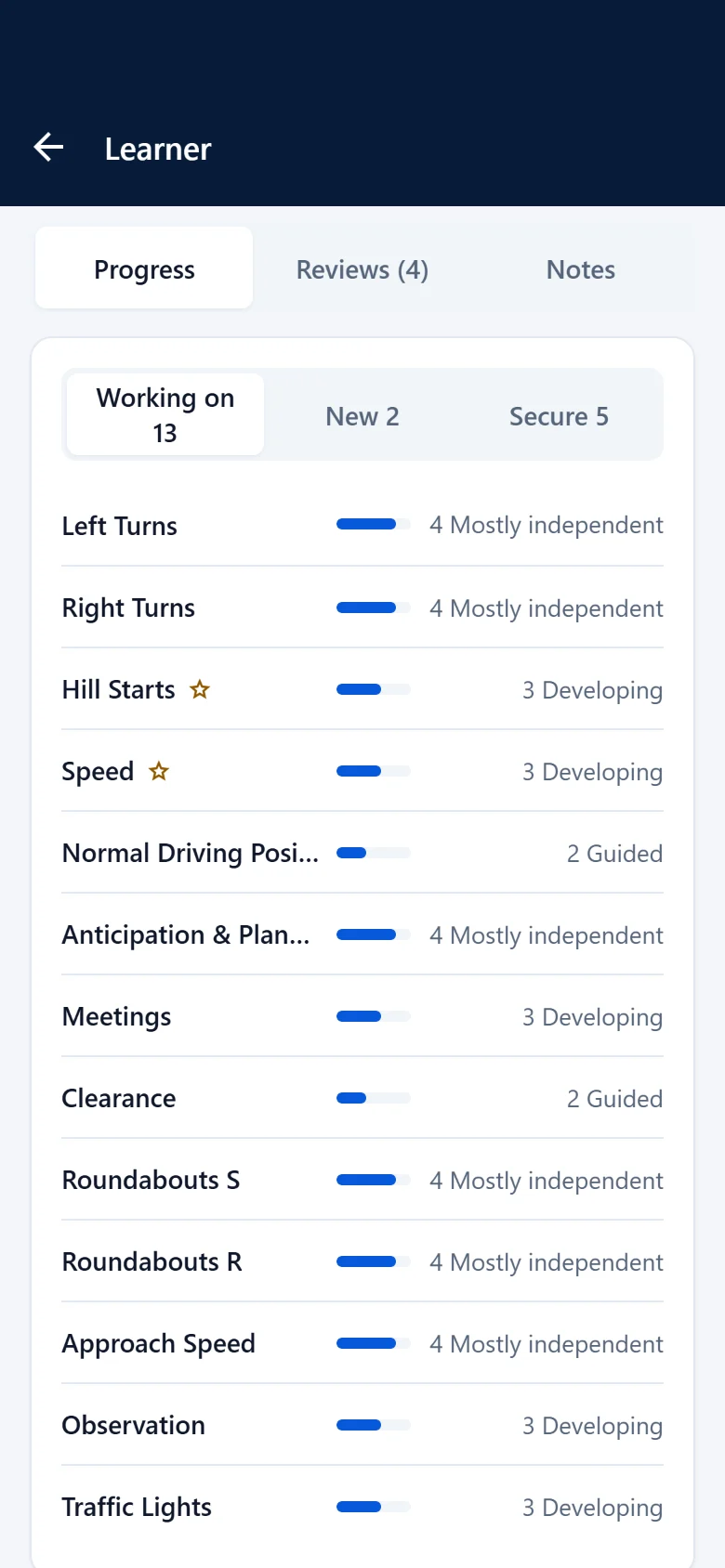
Write the lesson review while it is fresh, and see each learner’s progress build up from one lesson to the next.
Between lessons
Keep the rest of the business moving
Answer messages, book the next lesson, record a payment and find any learner’s details, without waiting until you are back at a desk.
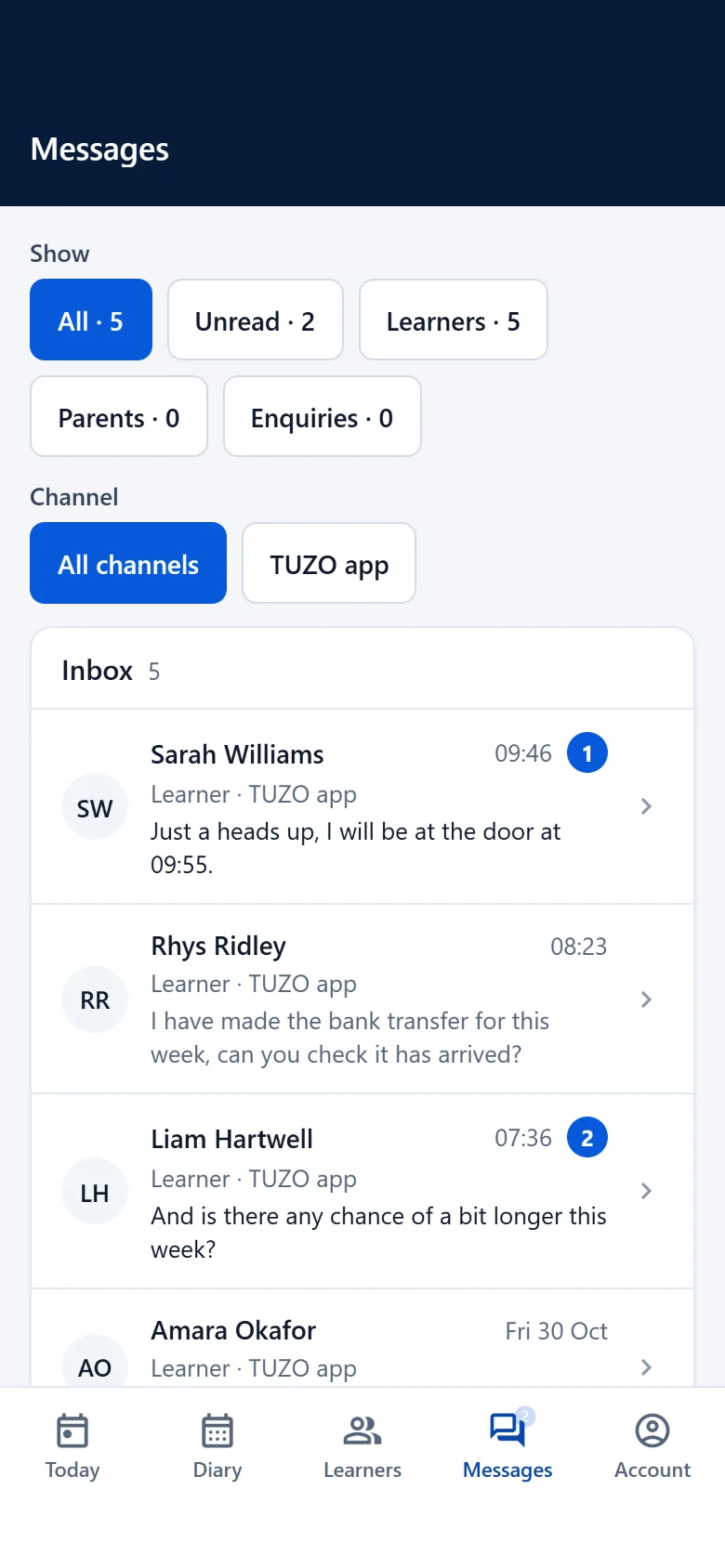
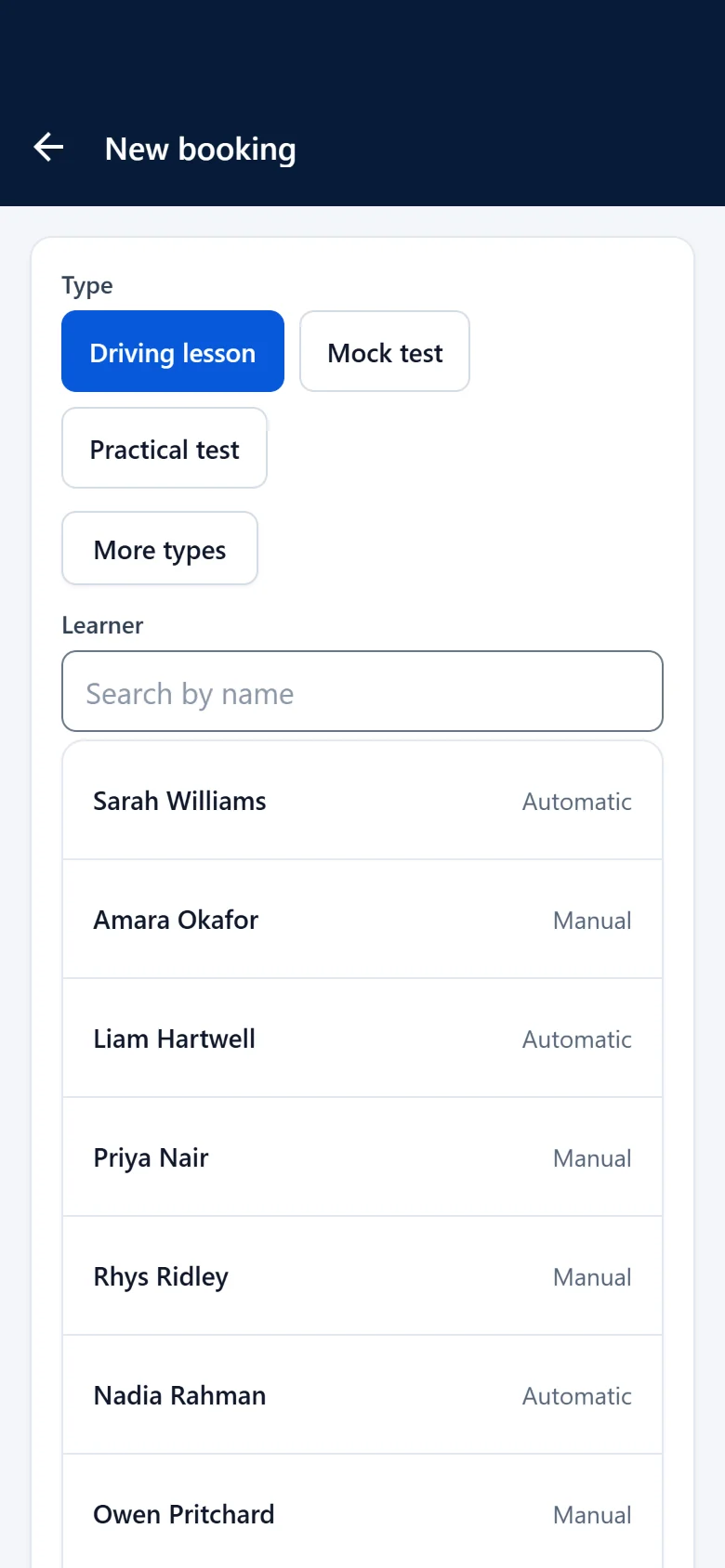
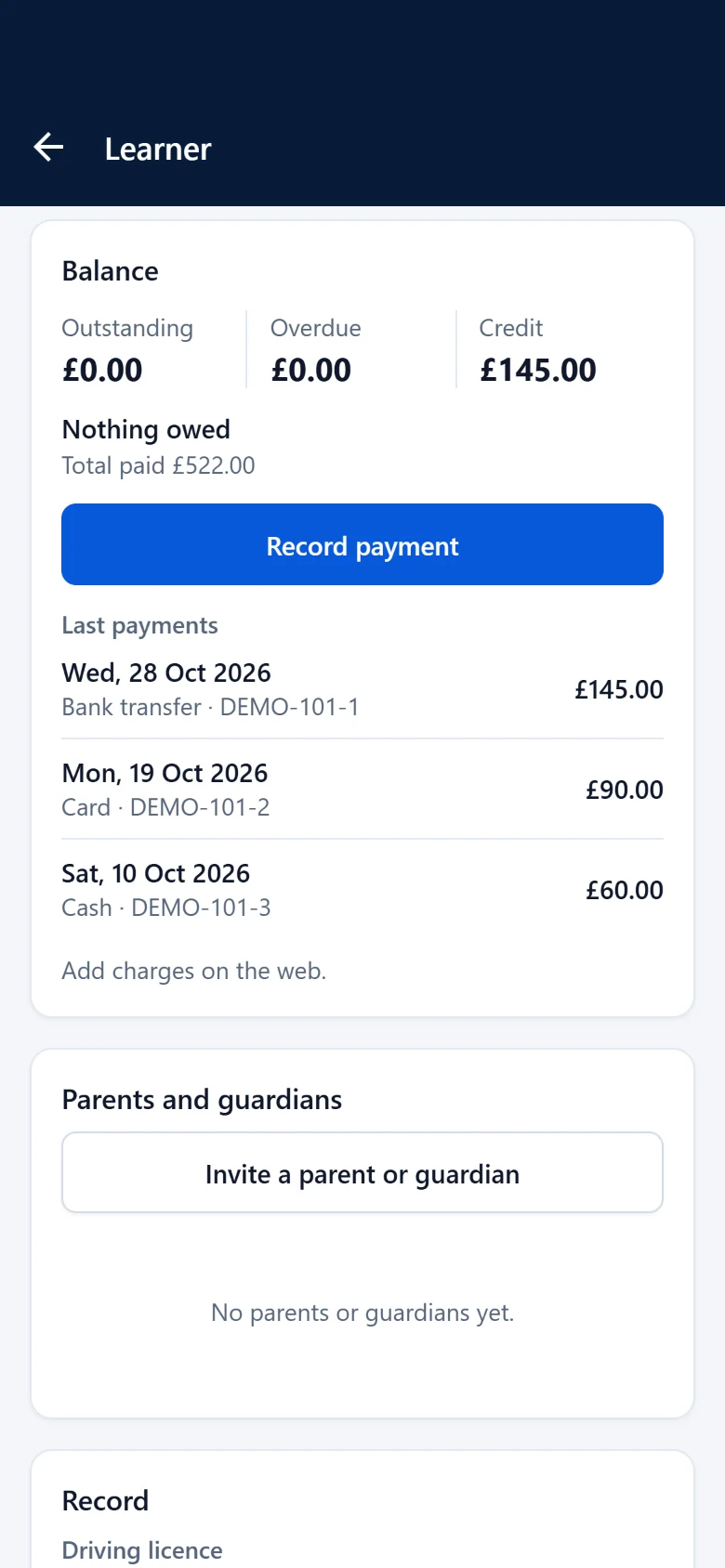
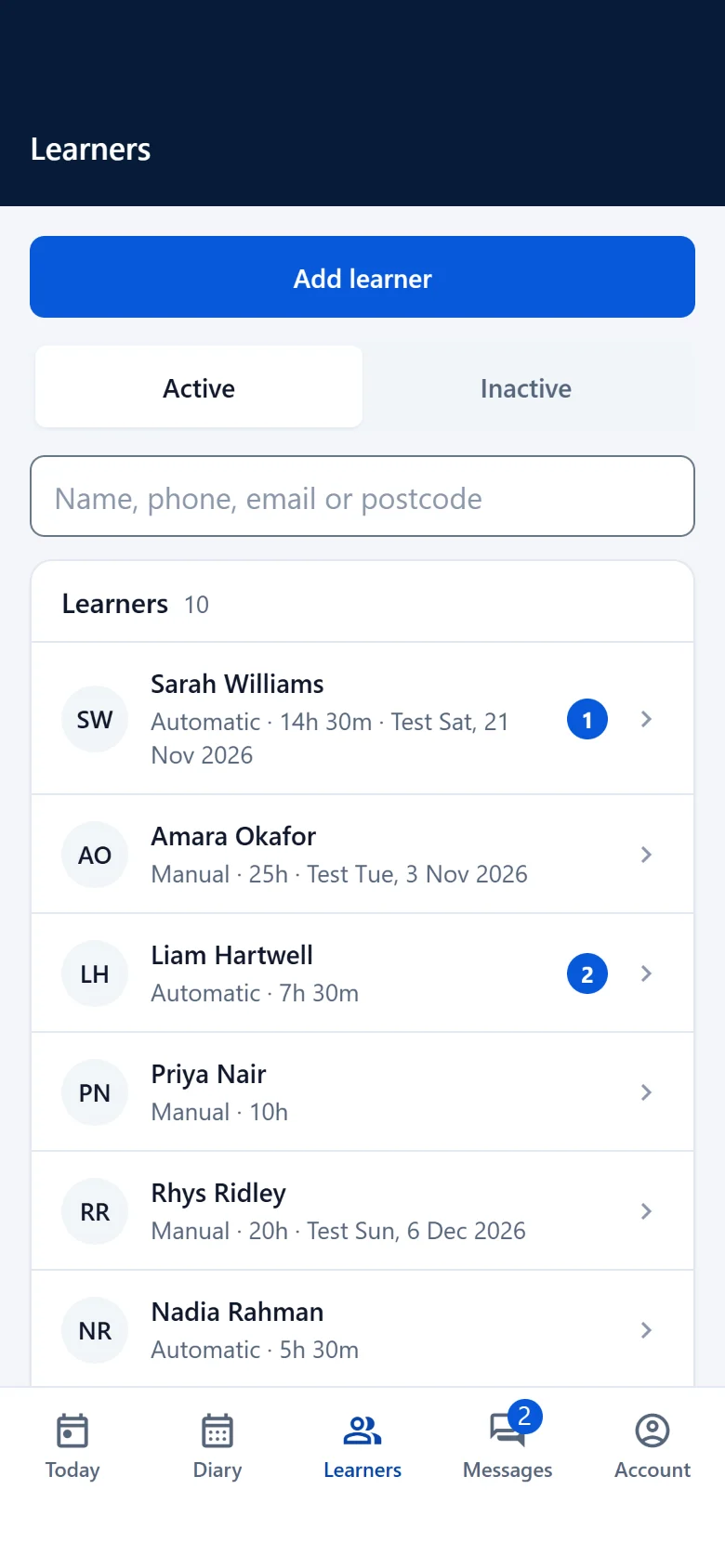
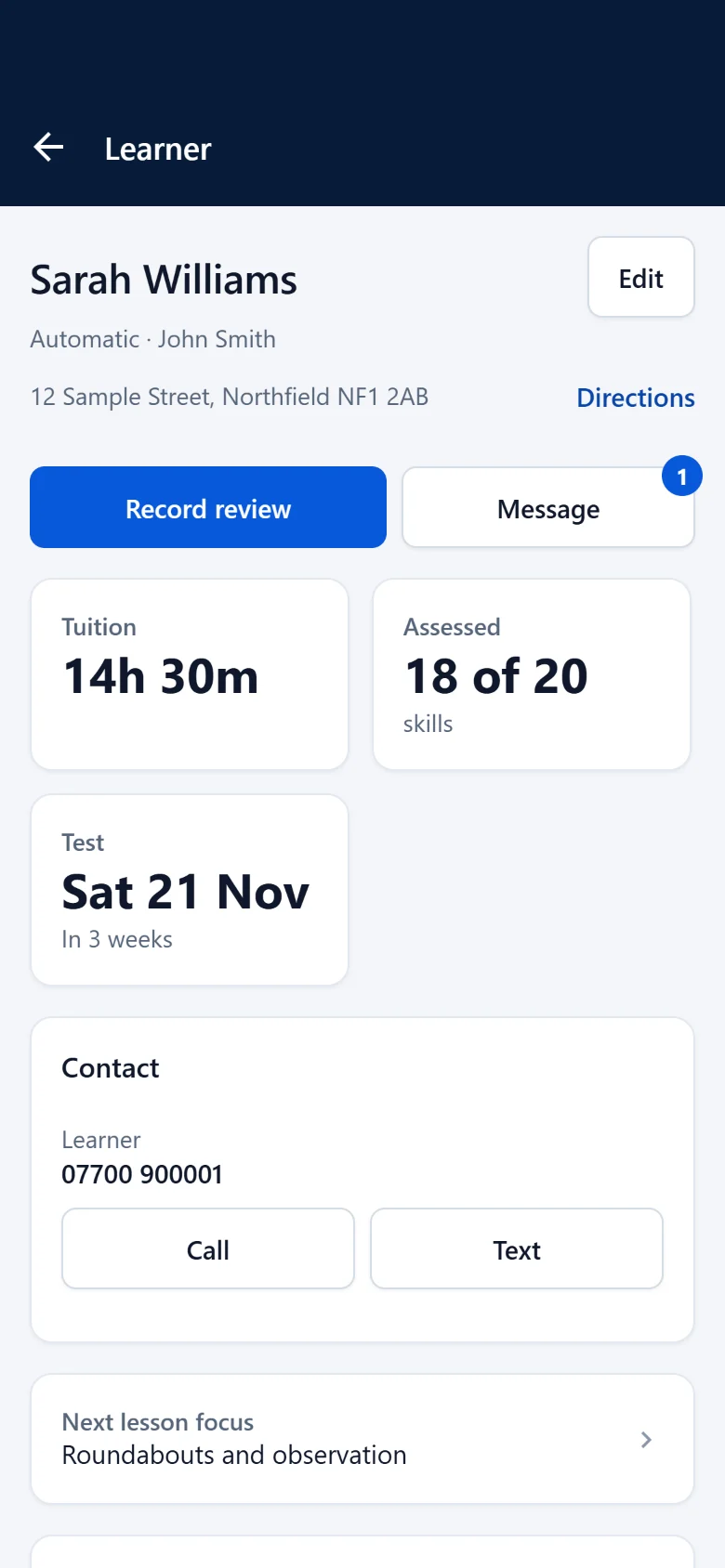
Screens are the real TUZO HQ app, filled with fictional demonstration data. The location shown is simulated.
DVSA’s revised code of practice for driving instructors, due to be introduced between late 2026 and early 2027, says instructors should keep accurate records of lessons completed and hours delivered. Read the code on GOV.UK
See how it works for your own lessons
Try TUZO HQ in your browser on any phone, tablet or computer.